Shire Hub User Guide
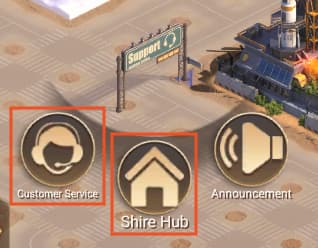
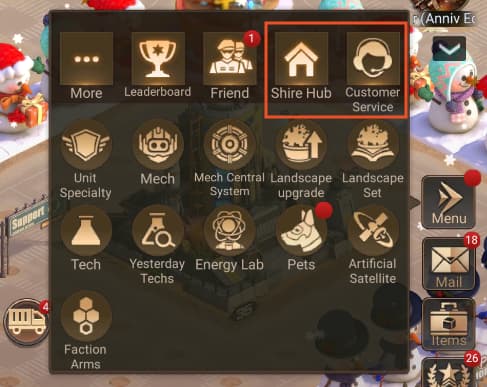
Question 1: How do I access the Shire Hub from the game?
Question 2: What features are available in the Shire Hub?
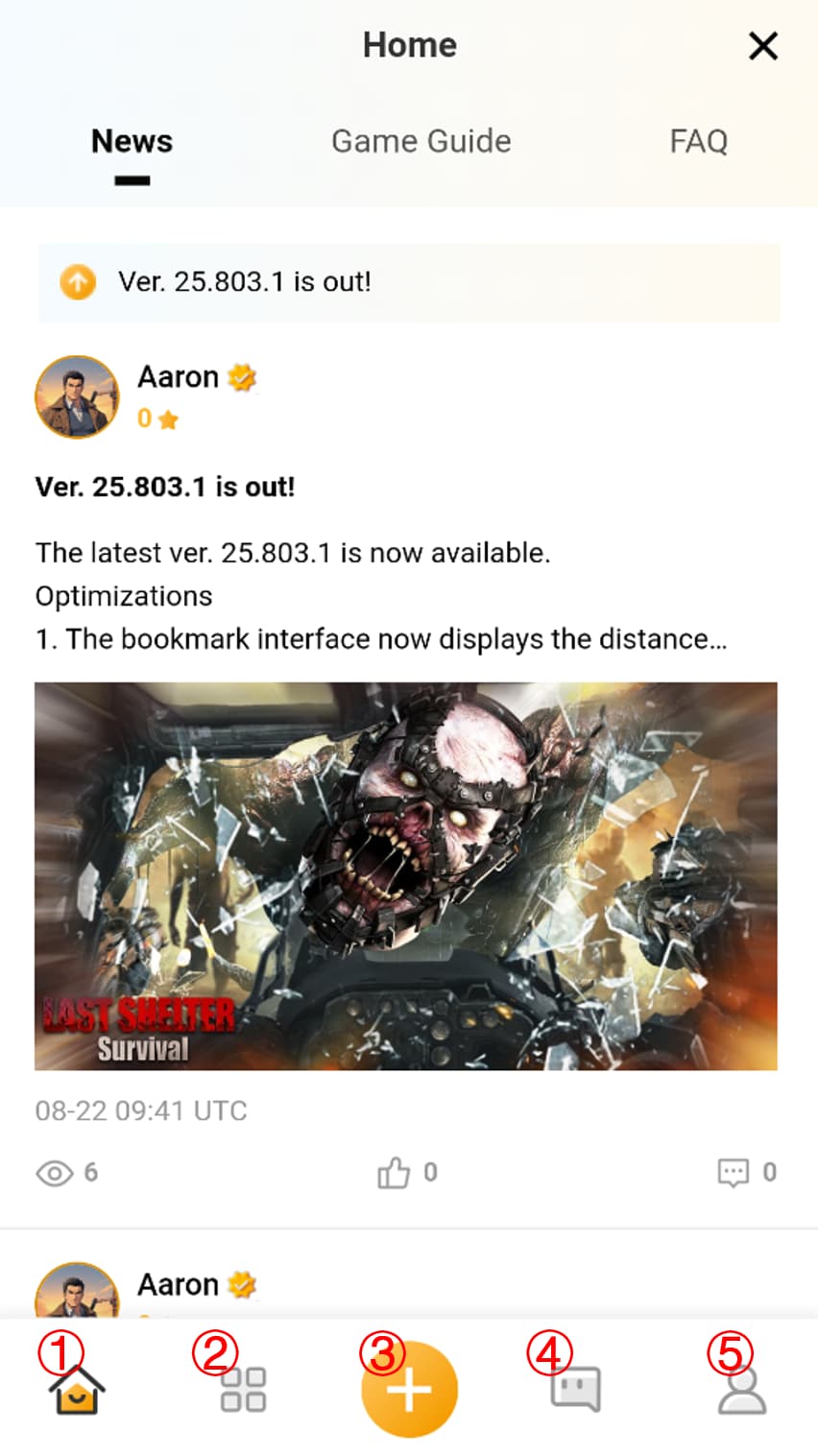
① Community Homepage: View the latest news, game guides, and FAQs for the current version.
② Discover: Access alliance forums, member forums, and view trending information.
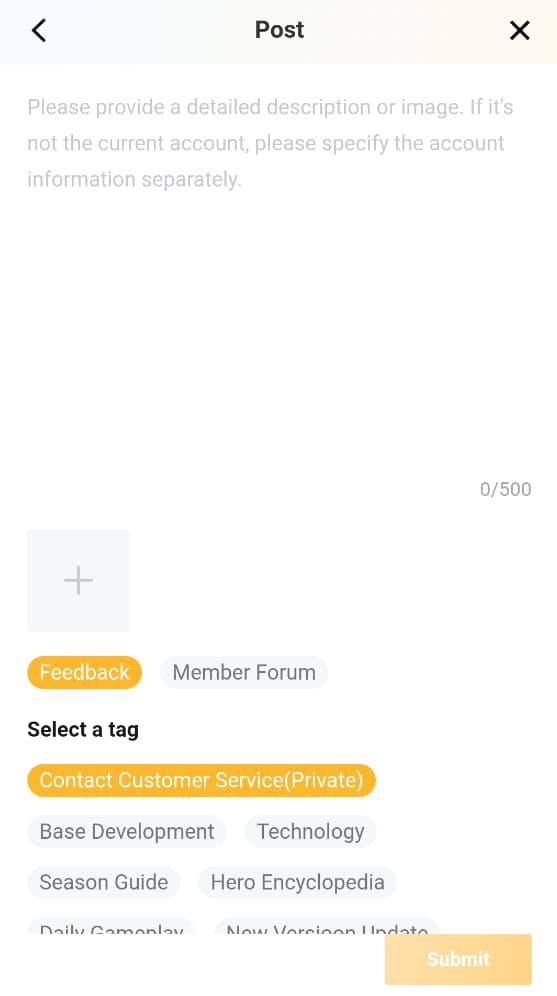
③ Post: Use tags to post in alliance or member forums for discussions, or contact customer service to report issues.
④ User Feedback: View your own and other players' posts (only your own records are visible for customer service content).
⑤ Personal Information: Check replies and likes on your posts, as well as the status of post responses.
Question 3: How do I contact customer service and check issue progress?
1. Report game issues to customer service by posting, and you can also upload screenshots of the issue.
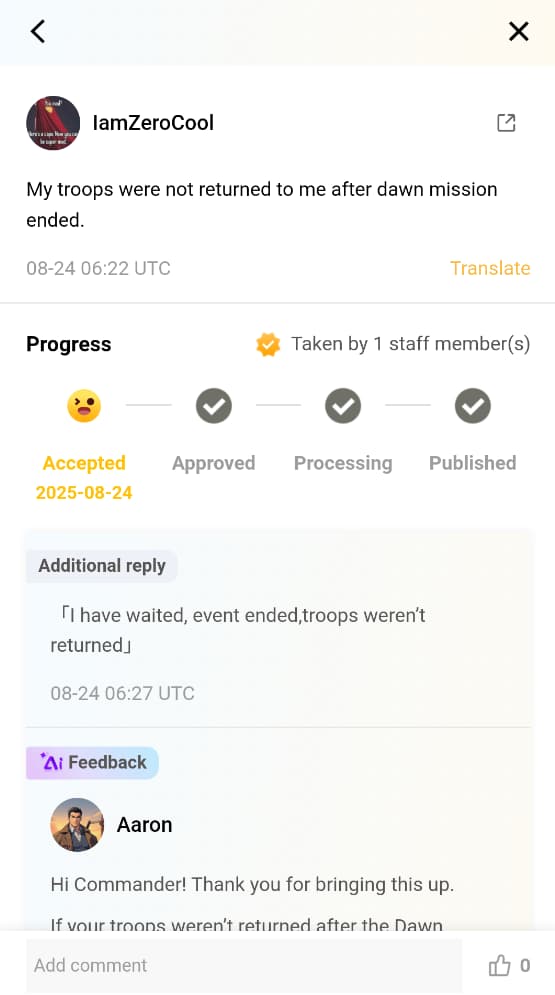
2. After submitting an issue, check your submitted issues and their progress in the User Feedback or Personal Information sections.
3. If you have questions about the response, use the supplementary feedback feature to provide additional details.